Highlights
Private, on-device AI generation
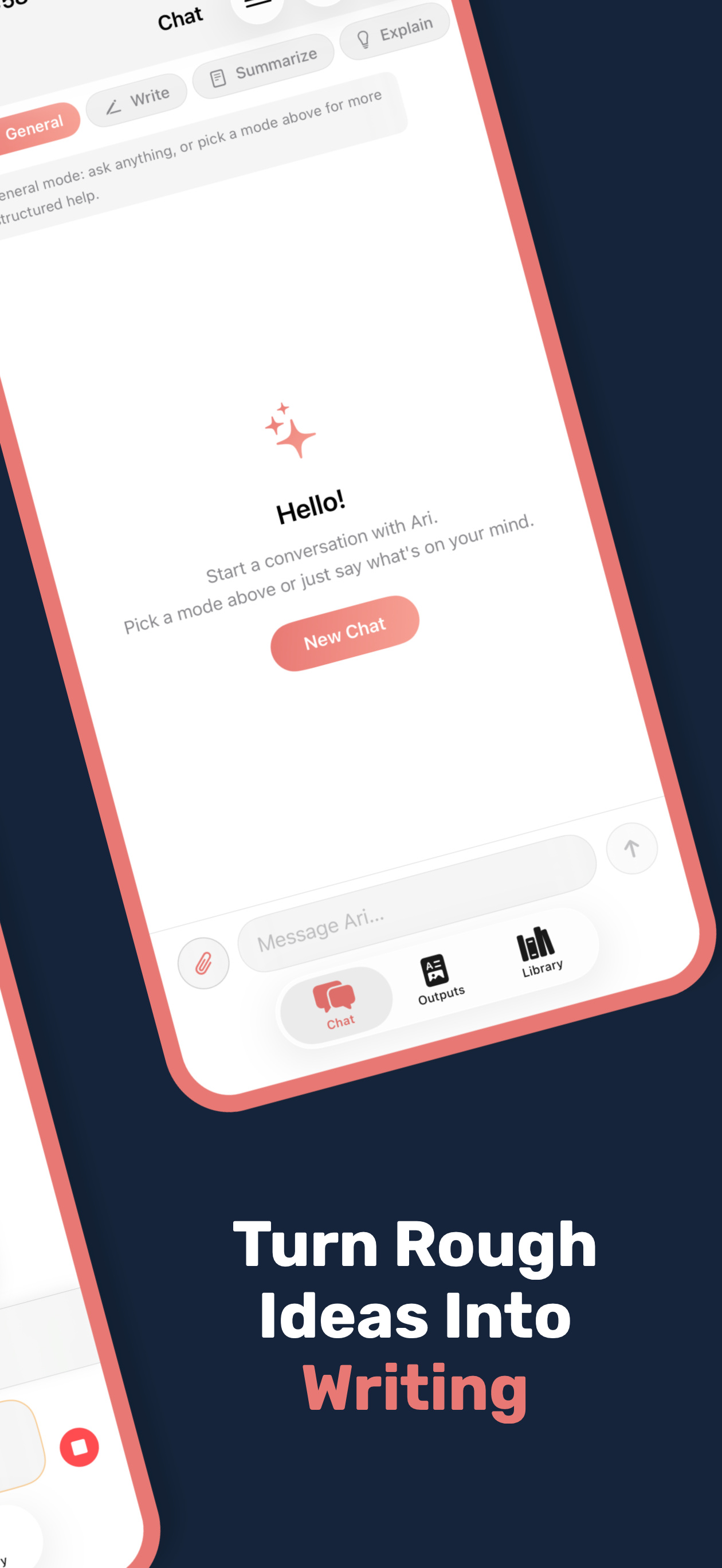
Threads with pinned conversations
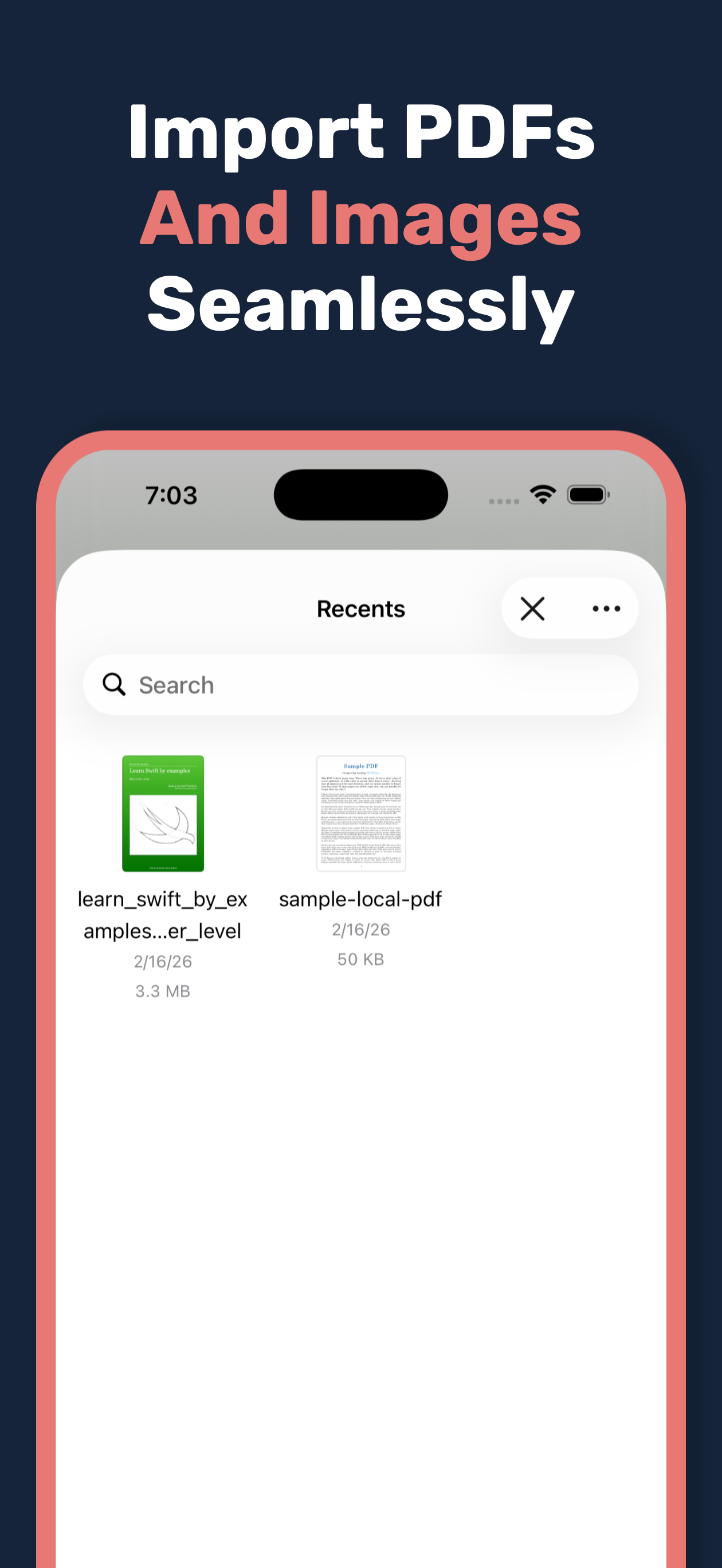
PDF/image import and local text extraction
Reusable saved outputs and library items
How it works
Step 1
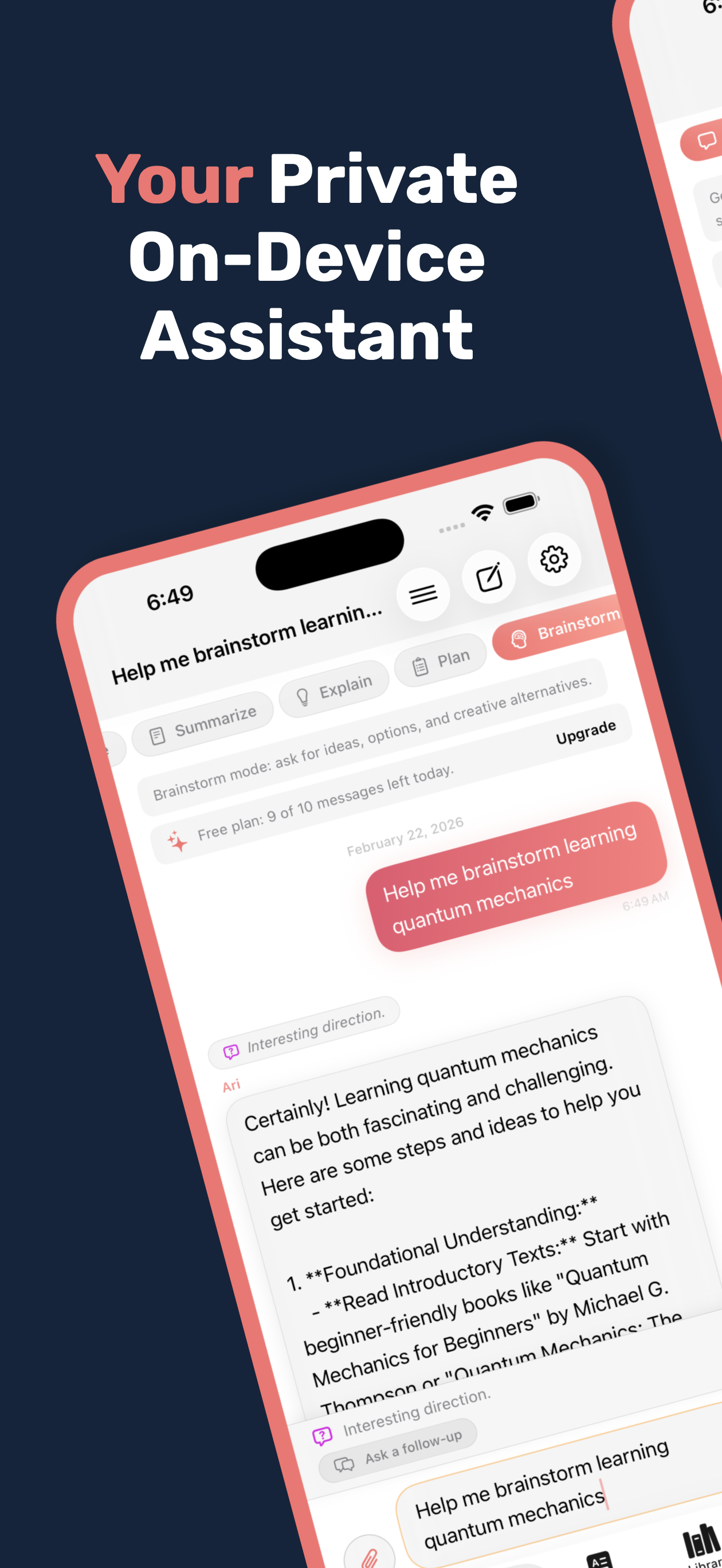
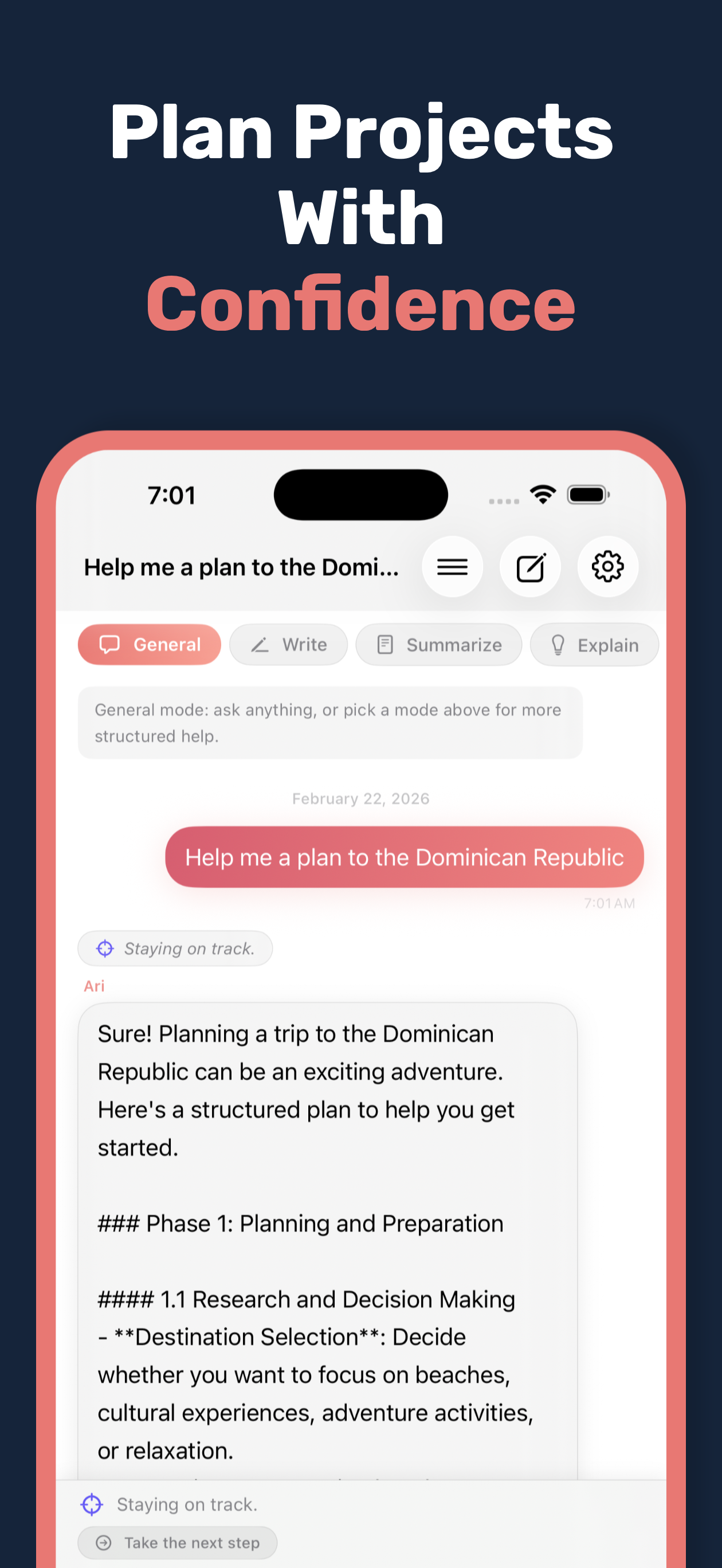
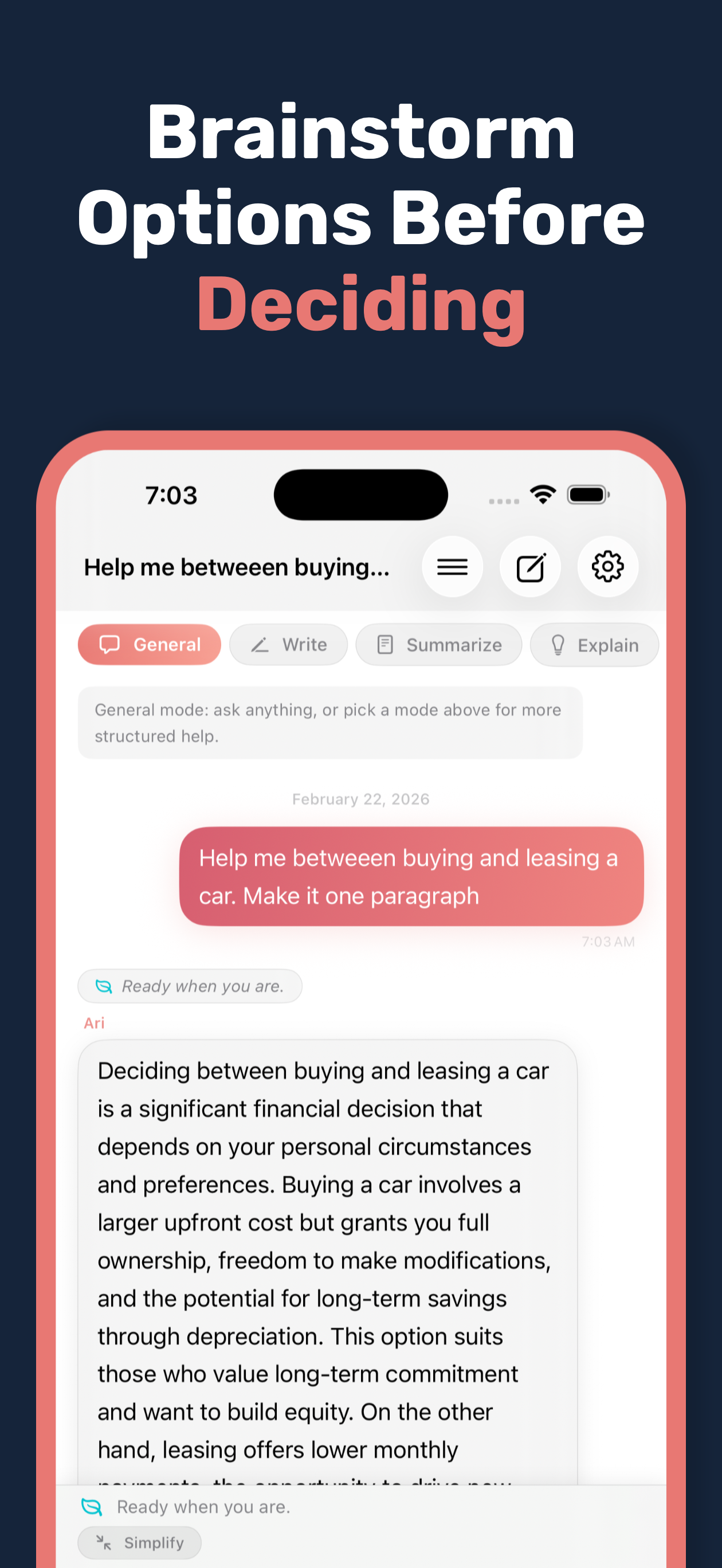
Create a thread and ask Ari to brainstorm, draft, or rewrite
Step 2
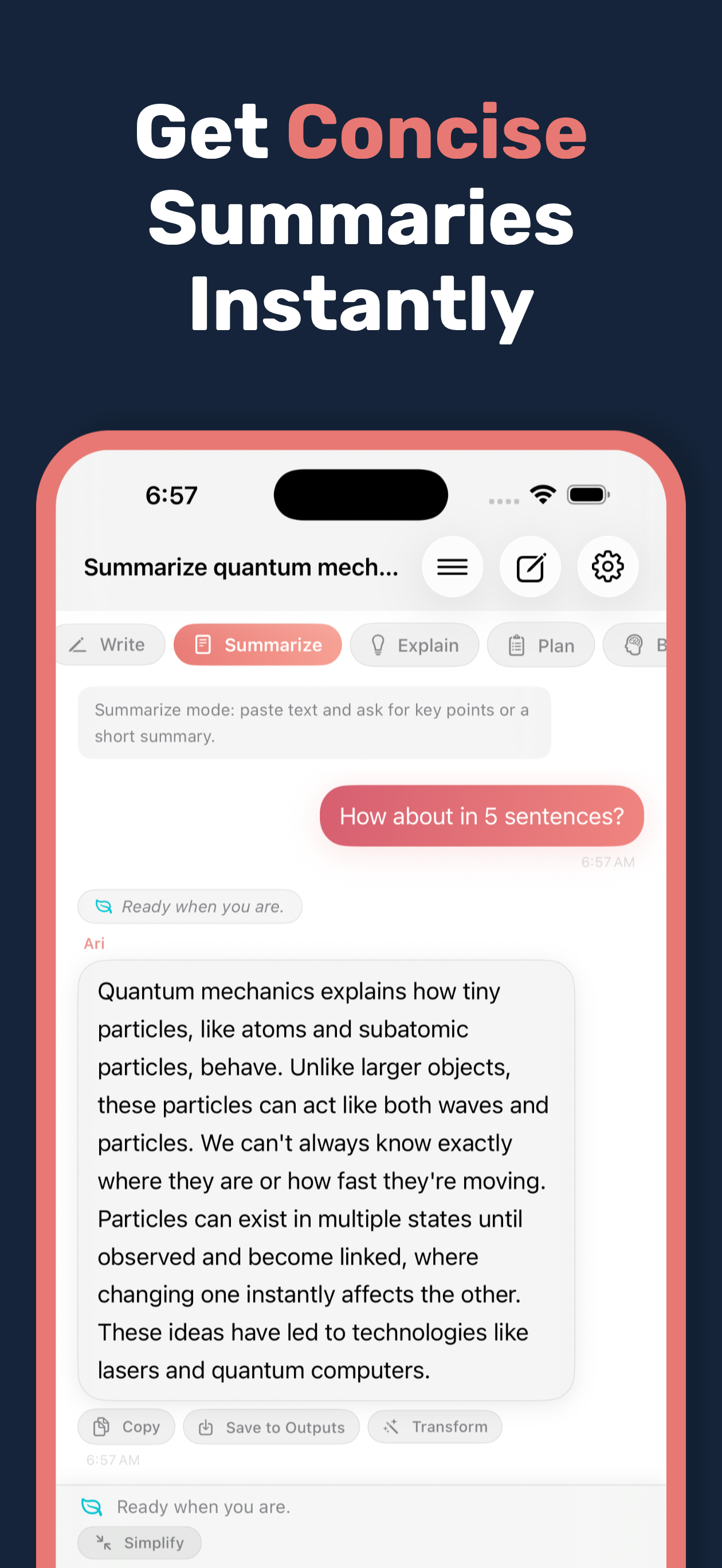
Import a PDF or image and summarize extracted text locally
Step 3
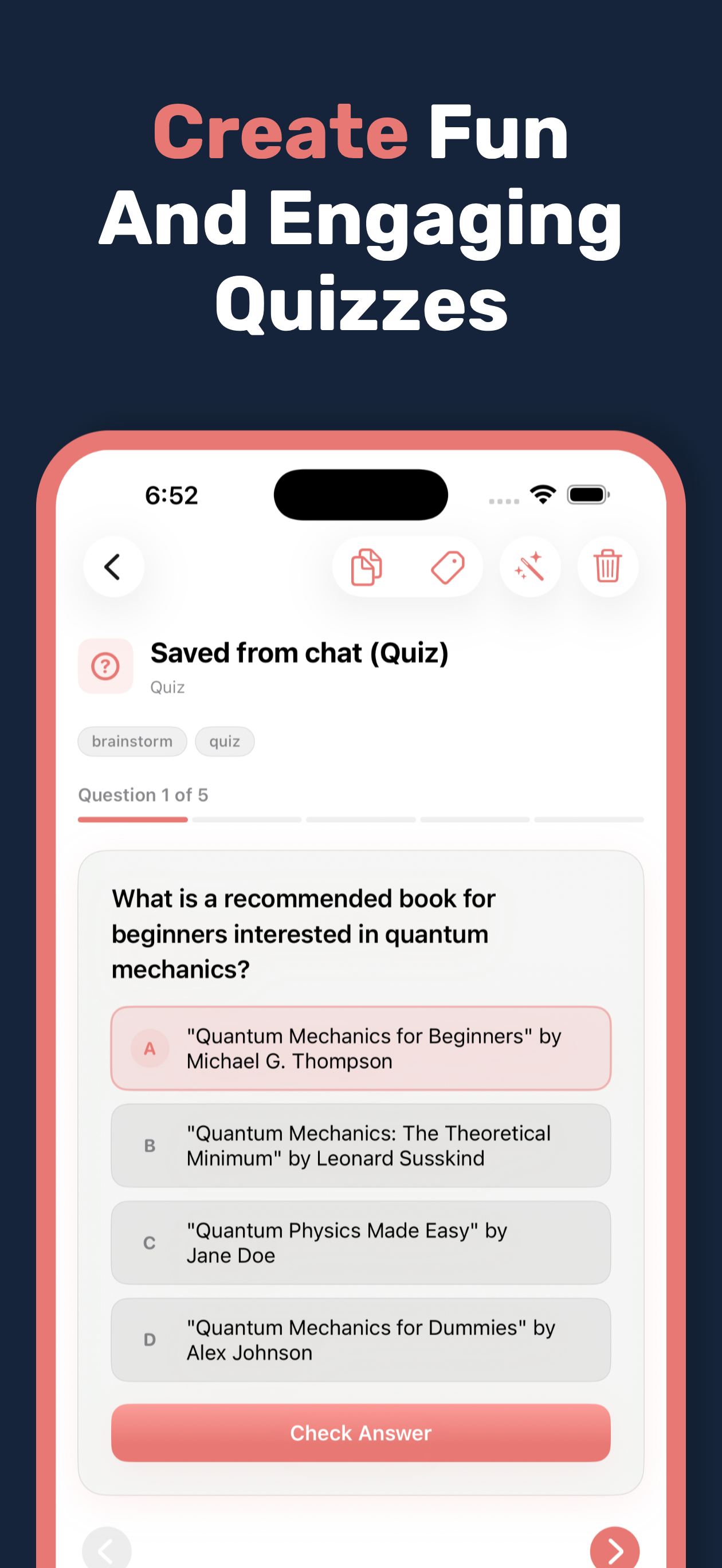
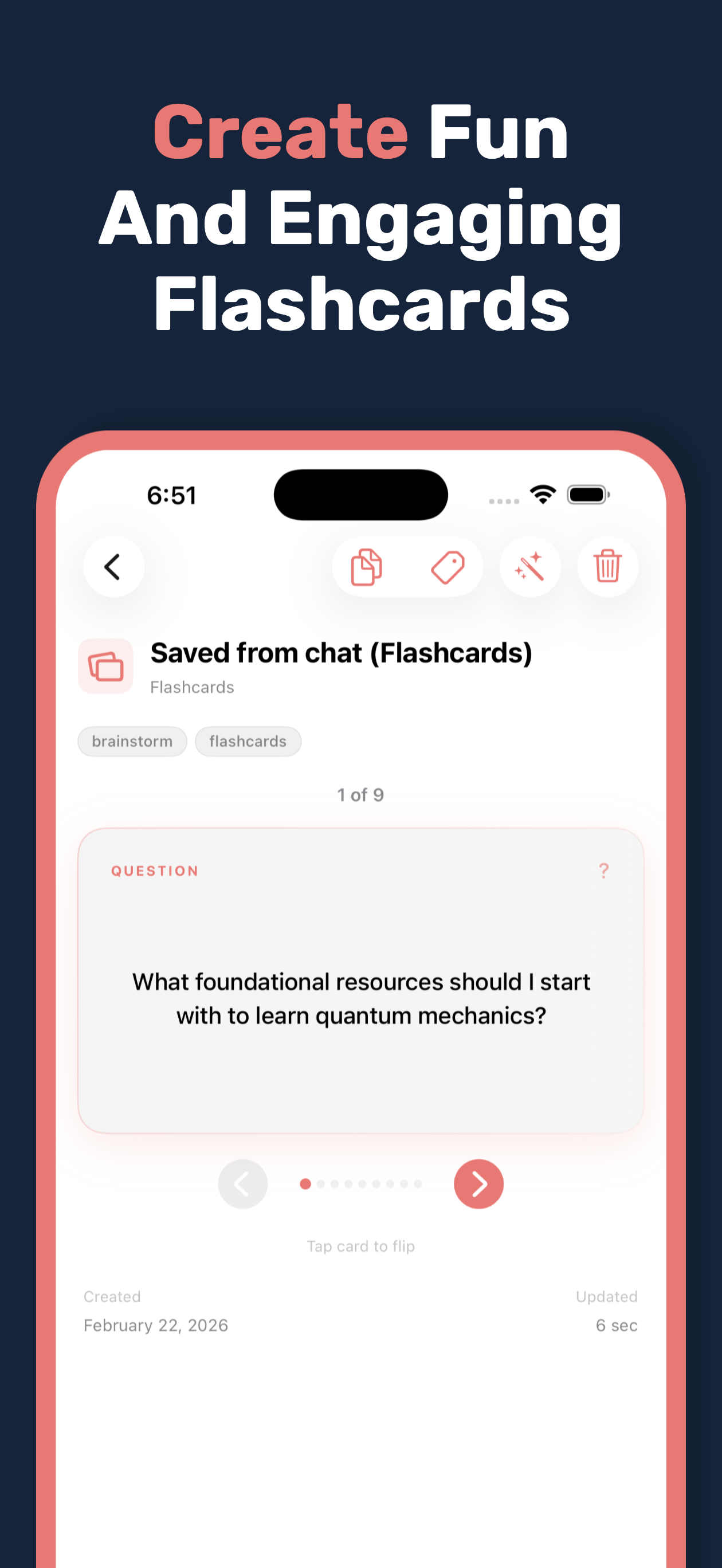
Save useful outputs as artifacts and reuse them later
Features
Conversation threads with message history
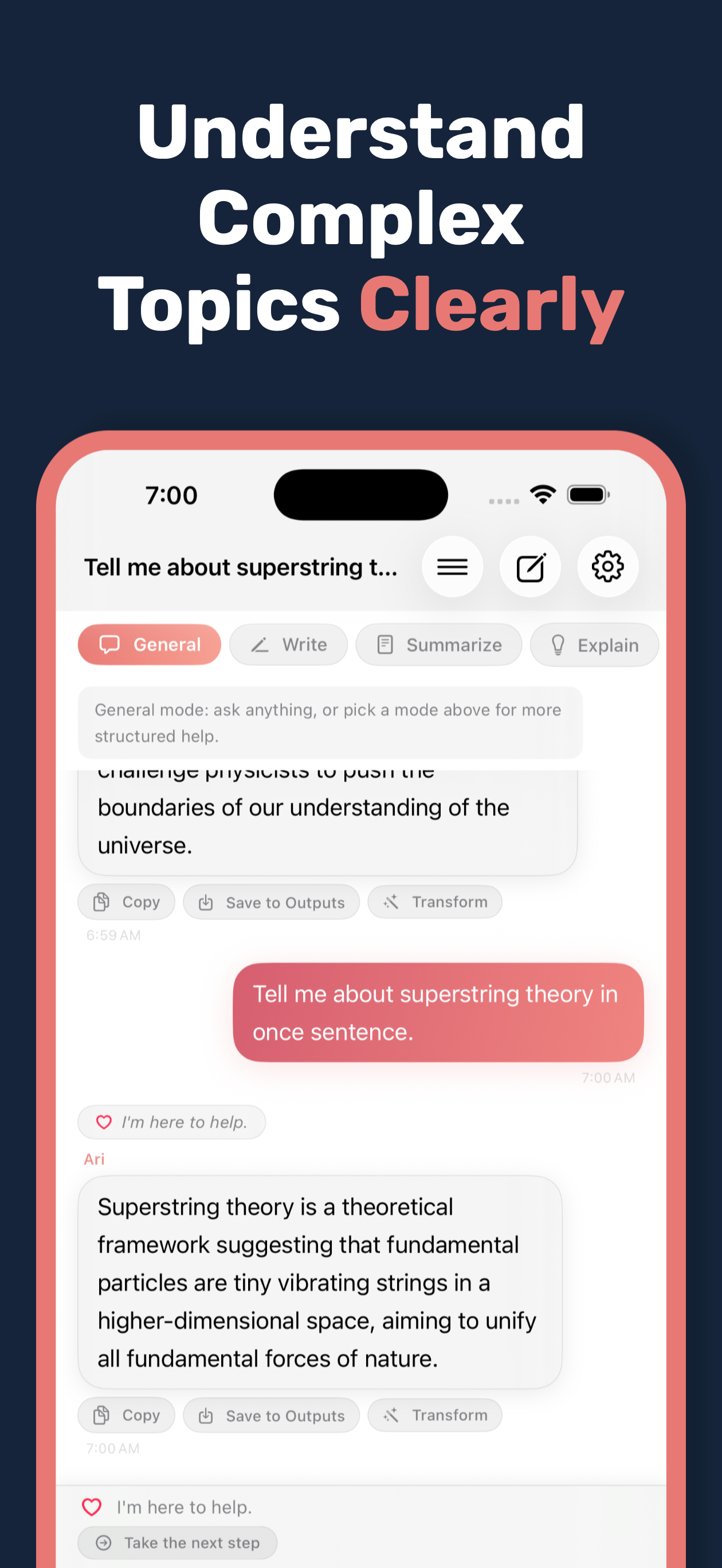
On-device responses using Apple Foundation Models
Document summarization from imported PDFs and images
Saved artifacts for important assistant outputs
Knowledge library for notes and reference snippets
Preference controls for tone and behavior
Optional iCloud CloudKit sync across devices
StoreKit subscription and unlock support
Gallery
FAQ
Does Ari send my prompts to third-party AI services?
No. Ari is designed for on-device AI inference using Apple's Foundation Models.
Can my data sync between devices?
Yes. iCloud CloudKit sync is enabled by default when available on your device.
What can I import?
You can import user-selected PDFs and images, then summarize extracted text on device.